SuperCue Pro
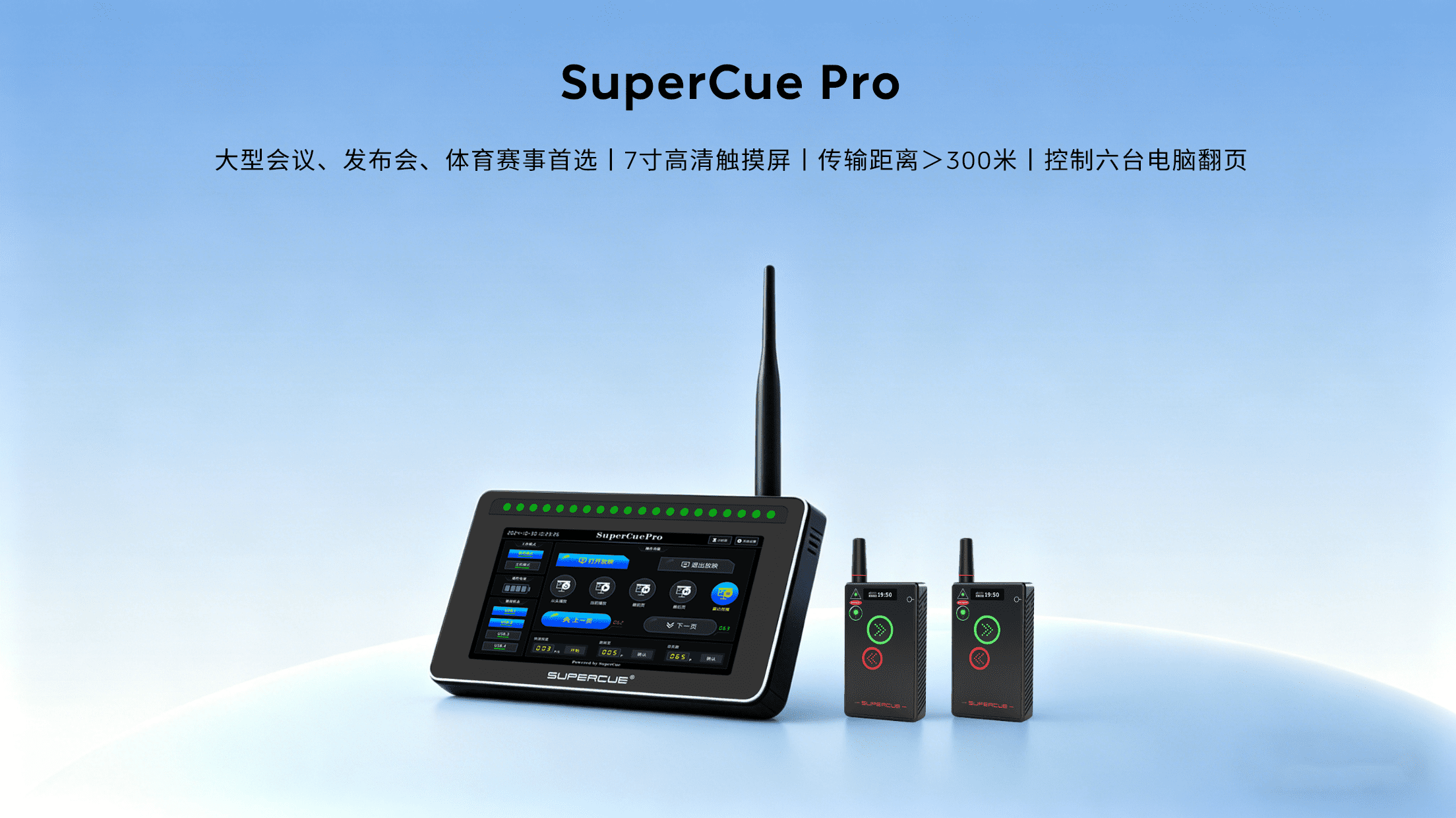
The flagship. Six machines, a 7-inch touchscreen, dual-remote coordination and a link to the presentation timer — for shows where one person is running the whole room.
Last updated: 18 November 2026
| Specification | Value |
|---|---|
| Model | SuperCue Pro |
| SKU | SUPERCUE-PRO |
| Computers controlled | 6 (4 local + 2 remote) |
| Working range | 300 m |
| Radio | 433 MHz digital |
| Control surface | 7-inch touchscreen |
| Best for | flagship shows, timer link, dual-remote coordination |
Six channels, two of them remote
Four local receivers cover the machines at the stage or in the control room. Two more can be placed further away — an overflow screen in another hall, a press feed, a second stage — and still take the same page command. That is the difference between a clicker that controls several laptops and one that controls a venue.
The 7-inch touchscreen gives the operator a view of the channel layout and slide state. Dual-remote coordination means two presenters can hand control back and forth without both remotes firing at once, which is the usual failure mode when a keynote has more than one speaker.
The timer link
The SuperCue Presentation Timer pairs with the Pro so remaining time shows up where the speaker can see it, instead of on a laptop screen behind them or on a card waved from the front row. Count-up, countdown and green/yellow/red warnings run over the same 433 MHz link, so it does not depend on the venue network.
For conference organisers this is usually the reason to choose Pro over Quad: keeping a programme on schedule is worth more than the extra two channels.
When Pro is overkill
If the show is one laptop and one screen, SuperCue Mini is the honest recommendation. Two machines and a bilingual deck — SuperCue Dual. Four machines without a timer — SuperCue Quad. We would rather sell the smaller unit than have a customer configure six channels they never use.
The model comparison and the buying guide both start from the room and the machine count, not from the spec sheet.
Common questions
What does "four local plus two remote" mean in practice?
Four receivers sit with the machines at the main stage or in the control room. Two more can be placed in another part of the venue and still take the same commands, which is how an overflow screen or a second stage stays in sync.
Can two presenters each hold a remote?
Yes, that is what dual-remote coordination is for. Tell us the handover pattern you need and we will confirm the firmware behaviour before quoting.
Is the timer included?
The timer is a separate product. It links to the Pro; see the presentation timer page and add both to the quote list if you need it.
Keep reading
- SuperCue model comparison
- Full product lineup
- How to choose a presenter
- Working range, explained
- Setup and pairing
- All guides and resources
Tell us the room size, how many computers you need to drive and the destination country, and we will come back with a firm price. Request a quote