SuperCue Mini
The smallest model in the lineup. One remote, one computer, no pairing and no driver to install — put the USB receiver into the laptop and start the deck.
Last updated: 18 November 2026
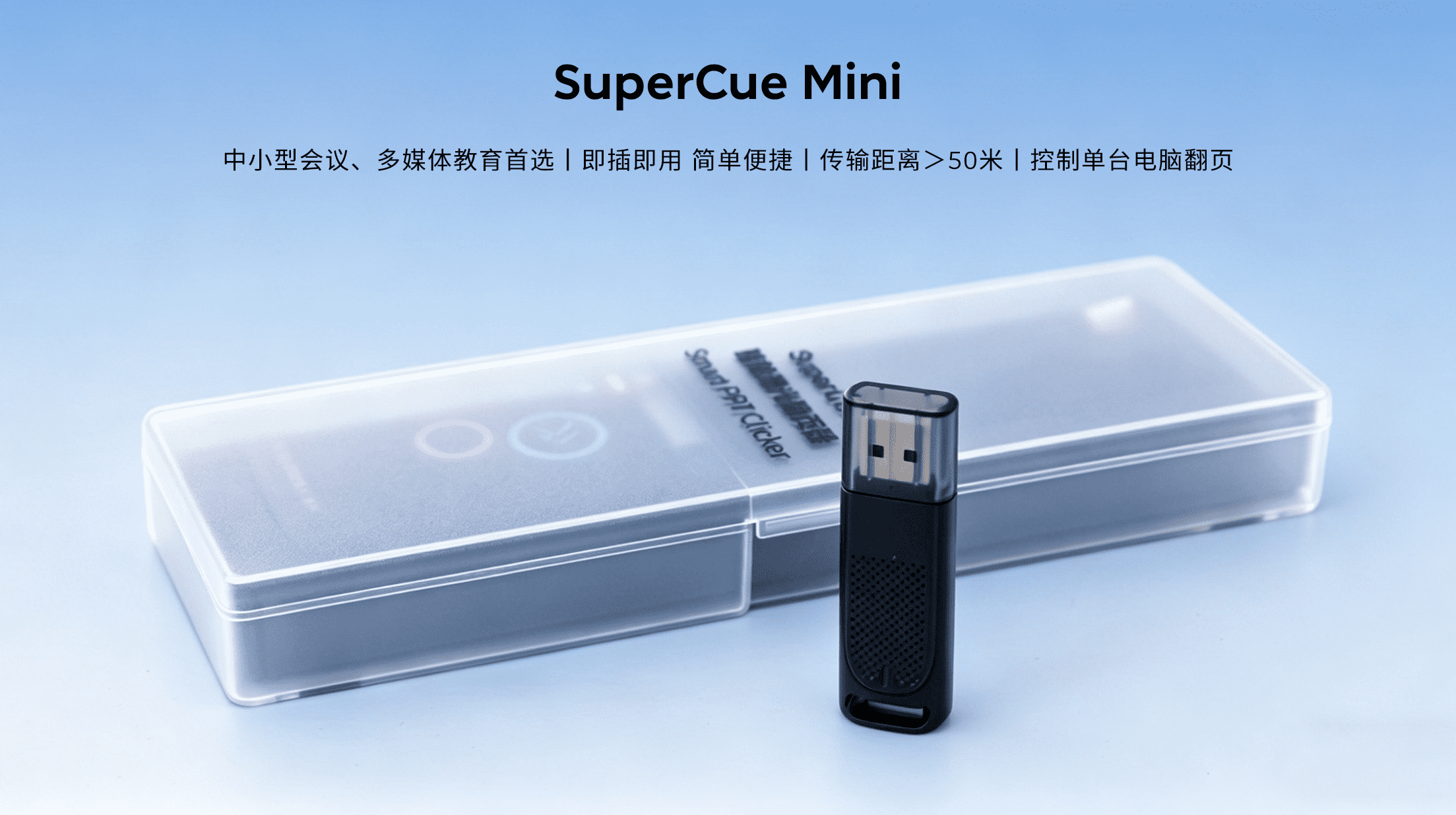
| Specification | Value |
|---|---|
| Model | SuperCue Mini |
| SKU | SUPERCUE-MINI |
| Computers controlled | 1 |
| Working range | 50–80 m |
| Radio | 433 MHz digital |
| Laser | 30 mW |
| Battery | 2000 mAh, 24 h+ |
| Best for | small meeting rooms, department reviews, teaching |
What it is built for
A single laptop, a screen the speaker can see, and a room where 50 to 80 metres is more than enough. Department reviews, training rooms, classrooms and small conference rooms are the usual fit. The Mini does not try to drive a second machine or show a timer. It turns pages, points at the slide, and stays out of the way.
The 30 mW laser is bright enough to read on a projected image with the room lights on. The 2000 mAh cell is rated for 24 hours of continuous use, which in practice means a two or three day event without carrying a charger. It charges over USB-C, so the same cable as the laptop works.
Getting it running
- Plug the USB receiver into the computer. It appears as a standard HID device, so Windows and macOS need no driver.
- Power on the remote. There is no Bluetooth pairing step and no app to install.
- Open PowerPoint, Keynote, WPS or any software that responds to Page Up / Page Down. The forward and back buttons just work.
- Keep the receiver clear of metal enclosures and USB hubs tucked behind a desk — that is the most common cause of a short effective range.
Where the Mini is the wrong choice
If you need a backup laptop running the same deck, two screens advancing together, or a speaker standing more than 80 m from the receiver, the Mini cannot do it. SuperCue Dual covers two machines and 200 m; SuperCue Quad covers four. For halls where the laptop sits a long way backstage, the USB-over-Ethernet extender moves the receiver closer to the stage without moving the computer.
The quoted range is a practical working range in open space. Walls, steel truss, a full audience and a crowded Wi-Fi band all shorten it. Read the range guide before sizing a room; guessing from the number on the box is how people end up with a clicker that drops commands at the back of the hall.
Which model instead
| If you need | Go to |
|---|---|
| Two computers in sync, 200 m | SuperCue Dual |
| Four computers, touchscreen, 300 m | SuperCue Quad |
| Six computers, timer link, 300 m | SuperCue Pro |
| A countdown the speaker can see | Presentation Timer |
Common questions
Does the Mini work with a Mac?
Yes. The receiver presents as a standard HID keyboard device, so macOS sees it without a driver and Keynote responds to the page commands. Custom button mapping needs the companion software linked from the support page.
Can I use it only as a laser pointer?
Yes, the laser is independent of the page buttons. Never aim a 30 mW laser at an audience, a camera or a reflective screen at close range, and ask us for the laser class declaration for your market — the classification depends on the exact module and the standard applied. The laser safety notes cover what to tell a venue or an importer.
Is 24 hours of battery realistic?
That is the rated figure with the laser off for most of the session. Leaving the laser on continuously, cold rooms and an older cell will all bring it down. For a single-day event it is not something you need to think about.
Keep reading
- SuperCue model comparison
- Full product lineup
- How to choose a presenter
- Working range, explained
- Setup and pairing
- All guides and resources
Tell us the room size, how many computers you need to drive and the destination country, and we will come back with a firm price. Request a quote