SuperCue Dual
One button press, two machines, same slide. Built for primary/backup laptops, bilingual decks and any show where two screens have to stay together.
Last updated: 18 November 2026
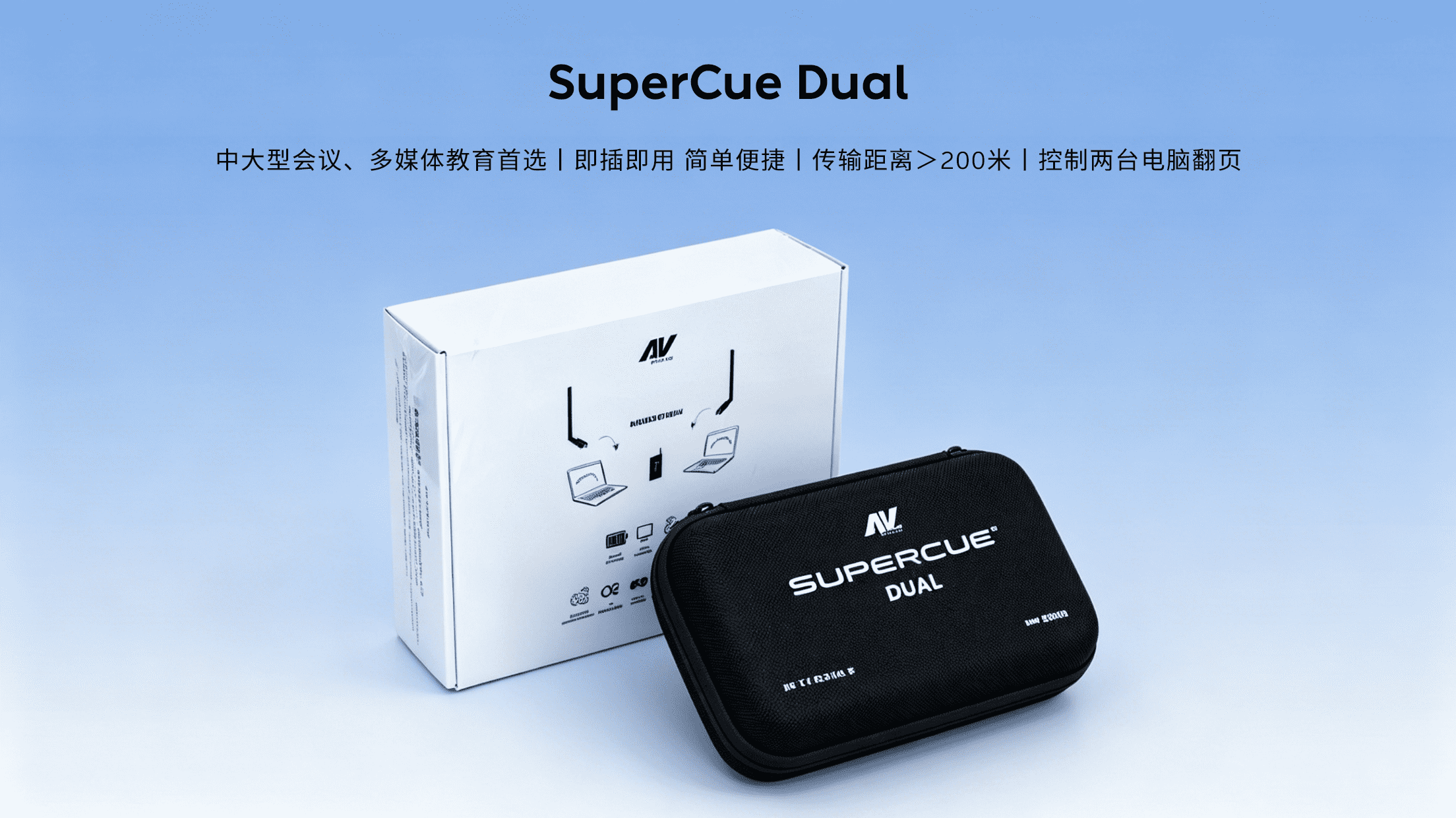
| Specification | Value |
|---|---|
| Model | SuperCue Dual |
| SKU | SUPERCUE-DUAL |
| Computers controlled | 2 |
| Working range | 200 m |
| Radio | 433 MHz digital |
| Best for | bilingual decks, primary/backup machines, dual-screen setups |
Why drive two computers
Most professional shows already run two laptops: a main machine and a hot spare that can take over in seconds. The problem is keeping both on the same slide. With two ordinary clickers, an operator has to track two remotes and hope nobody presses one twice. The Dual sends the same command to both receivers, so the spare is always on the slide the audience is seeing.
The other common use is language. A Chinese deck on one screen and an English deck on the other, both advancing on the same beat, is straightforward when one remote controls both. The same applies to a presenter screen and a confidence monitor.
How the link is set up
- One USB receiver per computer, paired to the same channel on the remote at the factory or through the setup utility.
- Both machines receive the same forward/back command. There is no software to install on either computer for basic page turns.
- The 433 MHz digital link runs independently of Wi-Fi and Bluetooth, so a hall full of phones does not add latency or drop commands.
- If the two decks have different slide counts, use the companion playback software to keep them aligned — the remote sends page commands, not slide numbers.
Where 200 m lands in practice
Two hundred metres is the open-space working range. In a real venue, steel structure, concrete walls and a dense audience reduce it. For a lecture hall or a medium ballroom it is comfortable headroom; for a stadium or a multi-room show, plan a receiver position near the stage and see the range guide.
If the second computer sits far from the stage, the USB-over-Ethernet extender lets you put each receiver where it gets a clean signal while the machines stay backstage.
Moving up or down the lineup
For a single laptop and a small room, SuperCue Mini is simpler and cheaper. For four or six machines, or a touchscreen so the operator can see slide state, look at SuperCue Quad and SuperCue Pro. The full comparison puts all four side by side.
Common questions
Do both computers need the same operating system?
No. Each receiver is an independent HID device, so one can be Windows and the other macOS. What matters is that the presentation software on both responds to the same page commands.
Can I control the two computers separately?
The default mode drives both together. If you need independent control of each machine, that is a configuration question — tell us the show layout in a quote and we will confirm what the current firmware supports before you order.
Does a crowded Wi-Fi band affect it?
Much less than a 2.4 GHz clicker. 433 MHz sits outside the Wi-Fi and Bluetooth bands. The interference guide explains what can still get in the way.
Keep reading
- SuperCue model comparison
- Full product lineup
- How to choose a presenter
- Working range, explained
- Setup and pairing
- All guides and resources
Tell us the room size, how many computers you need to drive and the destination country, and we will come back with a firm price. Request a quote